
Introduction
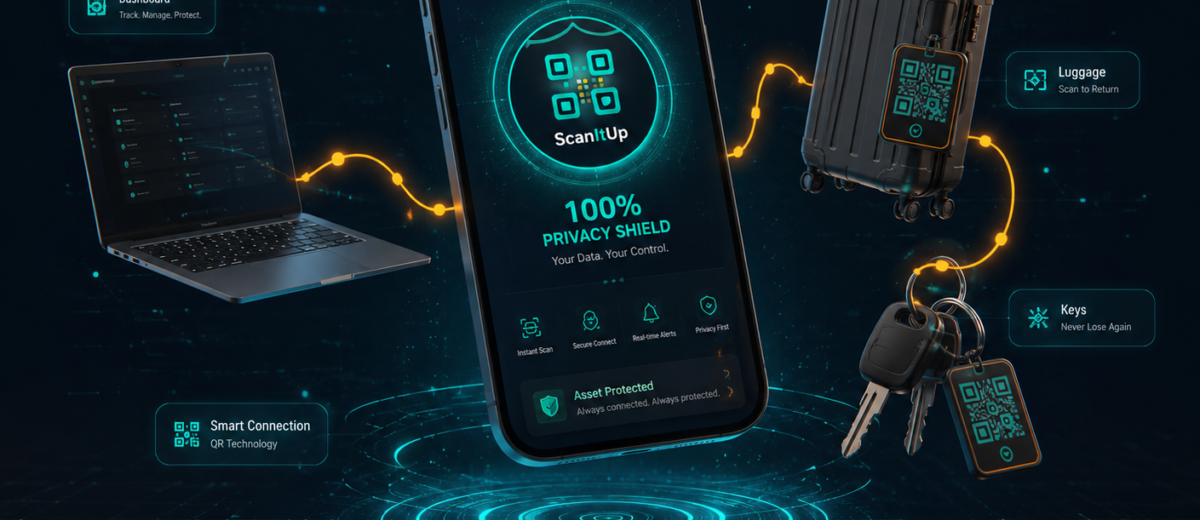
You have stuck a QR sticker on your car, bag, or pet collar — but have you ever wondered what actually happens the moment someone scans it? The process is faster and smarter than most people realise. In this guide, we walk you through every step that occurs behind the scenes when your QR tag gets scanned.
Step 1: The Scanner Opens the QR Code
When someone points their phone camera at your QR sticker, the phone’s built-in scanner (or any QR reader app) instantly reads the encoded URL. This URL is unique to your tag and points to your personal scan page hosted by ScanItUp.
This page loads in the browser in under two seconds — no app download required for the person scanning your tag.
Step 2: The Scan Page Loads with Your Information
The scan page displays the information you chose to share when setting up your tag. Depending on your tag type, this could include:
- Your name and contact number (for personal or pet tags)
- Vehicle owner details and registration info (for vehicle tags)
- Business name, address, and WhatsApp link (for business tags)
- Emergency contact and medical info (for safety tags)
For Pro tags with Private Mode enabled, personal details are hidden. The scanner can only send you a message — your phone number stays completely safe.
Step 3: Human Verification Happens Silently
Here is something most people do not know: ScanItUp does not send you a notification the instant the page loads. The system waits for proof of a real human interaction — a scroll, a tap, a click, or a touch on the screen.
This smart verification process means you will never receive false alerts from search engine bots, automated crawlers, or accidental page loads. Every notification you receive is from a real person who actually read your tag.
Step 4: You Receive an Alert (Pro Tags)
If your tag is on a Pro plan, you receive a WhatsApp notification within seconds of the human interaction being confirmed. The alert includes:
- The tag ID that was scanned
- The approximate location of the scan (city and region)
- A Google Maps link if location data is available
- The time and date of the scan
Free tag owners receive an in-app notification and email, but do not receive the instant WhatsApp alert. This is one of the most valued features of the Pro plan.
Step 5: The Scanner Can Send You a Message
Every scan page includes a built-in message form. The person who scanned your tag can type their name, phone number, and a short message — and you will receive it instantly in your ScanItUp dashboard and by email.
This is especially useful for scenarios like a found pet, a bumped car in a parking lot, or a neighbour needing to contact you about your property.
Step 6: Analytics Are Updated
Every verified scan is recorded in your analytics dashboard. You can see total scan count, scan history by date, and the cities your tag has been scanned from. Pro users get access to detailed scan analytics — a powerful way to understand when and where your tags are being discovered.
Conclusion
From the moment a QR code is scanned to the moment you receive your notification, ScanItUp handles everything automatically, securely, and in real time. The entire process takes just a few seconds — and it could make the difference in a genuine emergency.
Create your free QR tag today at scanitup.com and experience it yourself.
