
Introduction
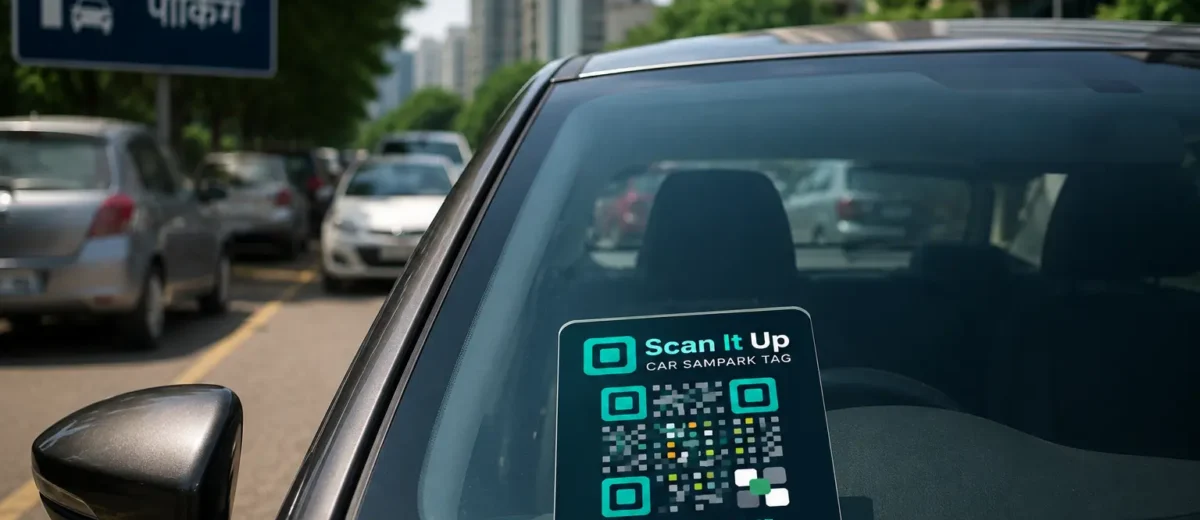
Imagine your car is parked on the street and someone accidentally scratches it. Without your contact info, they drive away. Now imagine your car has a small QR sticker on the windscreen — the person scans it, your WhatsApp buzzes, and within minutes you are in touch. This is exactly what ScanItUp makes possible.
Why Vehicle QR Tags Are Becoming Essential
Parking dents, breakdowns, and emergency situations are a part of every driver’s life. A QR vehicle tag solves three common problems in one:
- Helps someone contact you without accessing your personal details unsafely
- Notifies you the moment your QR sticker is scanned — even if you are not near the car
- Lets you leave notes about your vehicle (insurance info, emergency contact) for roadside situations
Step-by-Step: Setting Up Your Vehicle QR Tag
Step 1: Create your tag on ScanItUp
Go to ScanItUp and click “Create New Tag.” Select the Vehicle category and choose your tag type — Car, Truck, Motorcycle, or other. Fill in your details: owner name, phone number, vehicle registration, and any additional notes.
Step 2: Design your sticker
Use the built-in QR Sticker Designer to customise the look of your QR code. Choose a frame, colour scheme, and size appropriate for a car windscreen. Pro users can upload a custom logo or use exclusive frame designs.
Step 3: Print and apply
Download your QR sticker and print it on weatherproof sticker paper, or order a printed copy through the platform. Apply it to the inside of your windscreen, your bumper, or your parking permit holder — anywhere visible to passers-by.
Step 4: Enable Pro WhatsApp alerts
Upgrade your tag to the Pro plan to unlock instant WhatsApp scan notifications. Every time a real person scans your QR sticker, you will receive a WhatsApp message with the scan location and time within seconds.
What Information Should You Include?
For a vehicle tag, we recommend including:
- Your name (first name is enough for privacy)
- A contact mobile number
- Vehicle registration number
- An optional note such as “Please WhatsApp if parked incorrectly”
Avoid including your full home address on a vehicle tag. Your phone number is enough for someone to reach you.
Pro Tip: Use Private Mode for Extra Security
With ScanItUp Pro’s Private Mode, your phone number is hidden from the scan page entirely. The finder can only send you a message through the platform. You receive the message on WhatsApp and can respond — your personal number is never exposed.
Conclusion
A QR sticker on your vehicle is one of the simplest and most practical things you can do as a car owner. It costs almost nothing to set up, takes five minutes, and could save you thousands in unresolved damage or emergency delays.
Create your free vehicle QR tag now at scanitup.com.
