
Introduction
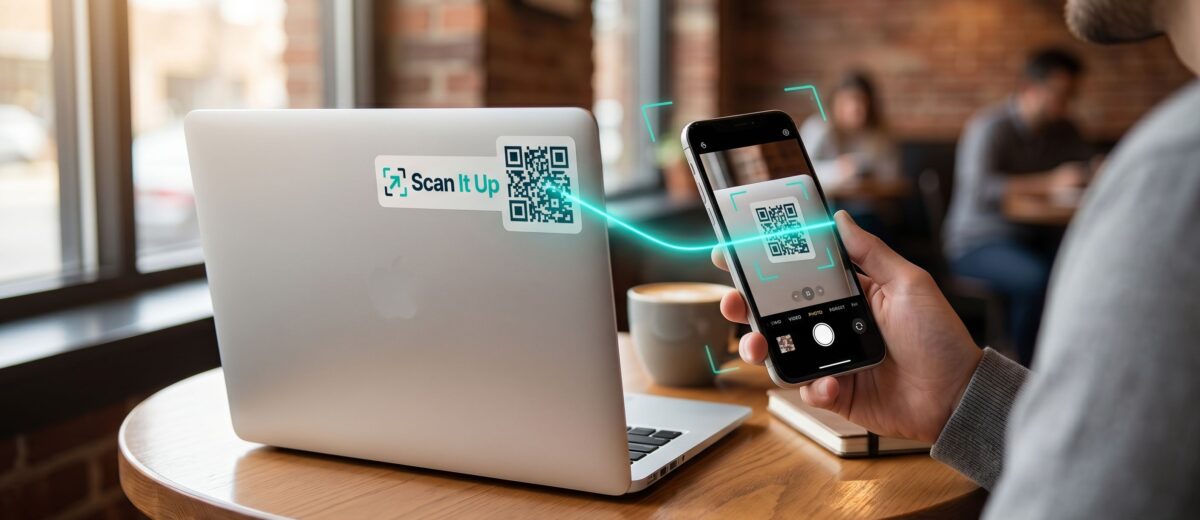
A well-designed QR sticker on your shop counter, business card, or packaging tells customers that you are modern, accessible, and professional. With ScanItUp’s built-in QR Sticker Designer, you can create a branded QR sticker in minutes — and you do not need any design skills to do it.
What You Can Create with the QR Sticker Designer
The ScanItUp QR Sticker Designer gives you full control over how your QR code looks:
- Choose from multiple QR frame styles (minimal, classic, business, etc.)
- Customise the QR code colours to match your brand
- Upload your business logo to embed inside the QR code (Pro plan)
- Add a short call-to-action text below the QR code
- Preview the design before downloading or printing
Step-by-Step: Designing Your Business QR Sticker
Step 1: Create your business tag
Log in to ScanItUp and create a new tag under the Business category. Enter your business name, description, contact number, website link, WhatsApp number, and any other details you want customers to see when they scan.
Step 2: Open the QR Designer
From your tag dashboard, click “Design Sticker.” The QR Designer opens with your tag’s QR code pre-loaded.
Step 3: Choose a frame and style
Browse the available frames. Free users get access to a selection of clean, professional frames. Pro users unlock all frames including branded, business, and seasonal designs.
Step 4: Customise colours and text
Adjust the foreground and background colours of your QR code to match your brand palette. Add a short line of text such as “Scan to contact us” or “Scan for our menu.”
Step 5: Upload your logo (Pro)
Pro users can upload their business logo to be embedded in the centre of the QR code. This makes the sticker instantly recognisable as yours.
Step 6: Download and print
Download your finished design as a high-resolution PNG or order physical printed stickers directly through the platform.
Where to Use Your Business QR Sticker
- Shop front window or entrance door
- Business cards and brochures
- Product packaging and labels
- Tables in a restaurant or cafe
- Reception desk in an office
- WhatsApp profile or social media bio link
Conclusion
A professional QR sticker on your business materials makes it effortless for customers to connect with you. It is fast to set up, looks great, and works on every smartphone — no app required.
Design your business QR sticker for free at scanitup.com.
